

 Managed Sync
 ActionKit
 Workflows
Defining an API Resource Trigger
To start creating an API Resource Trigger, open your Resource in the dashboard and click Create Trigger.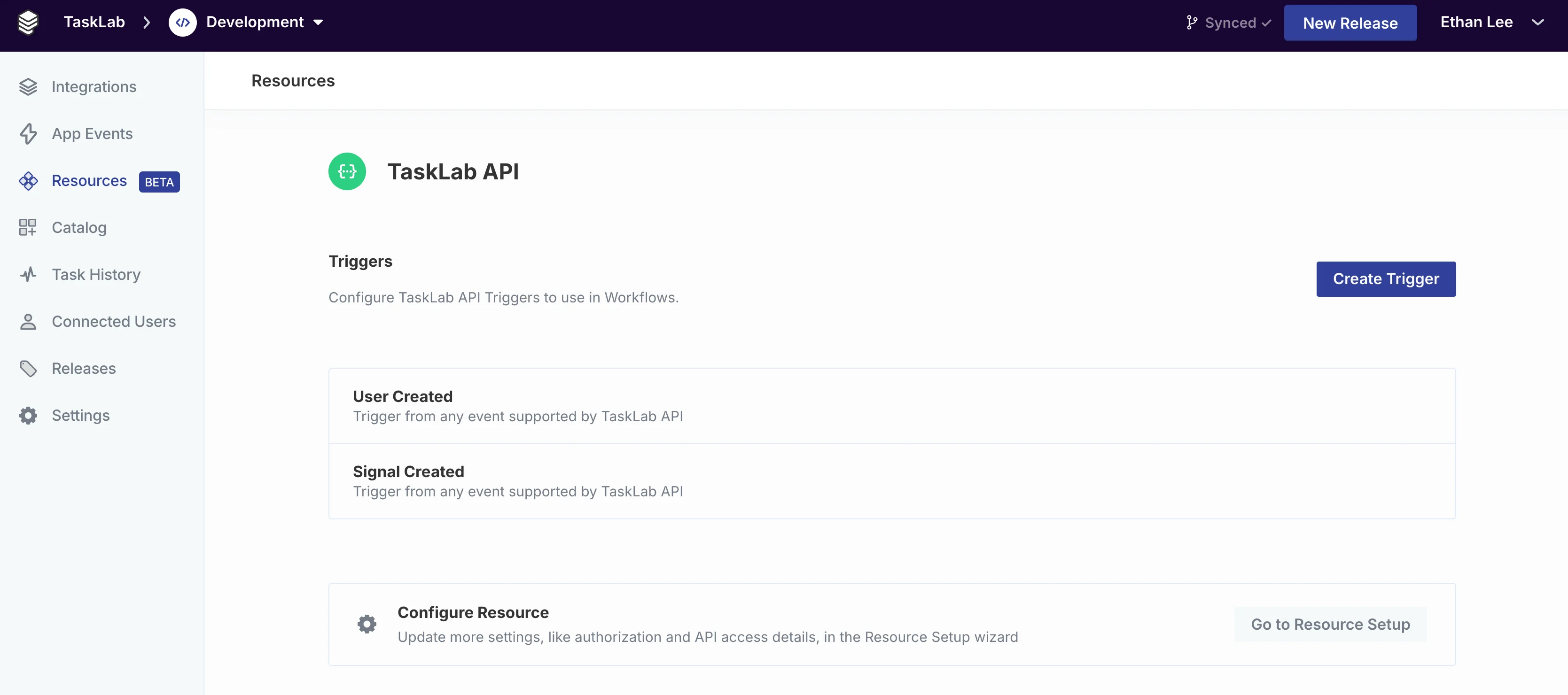
Using an API Resource Trigger
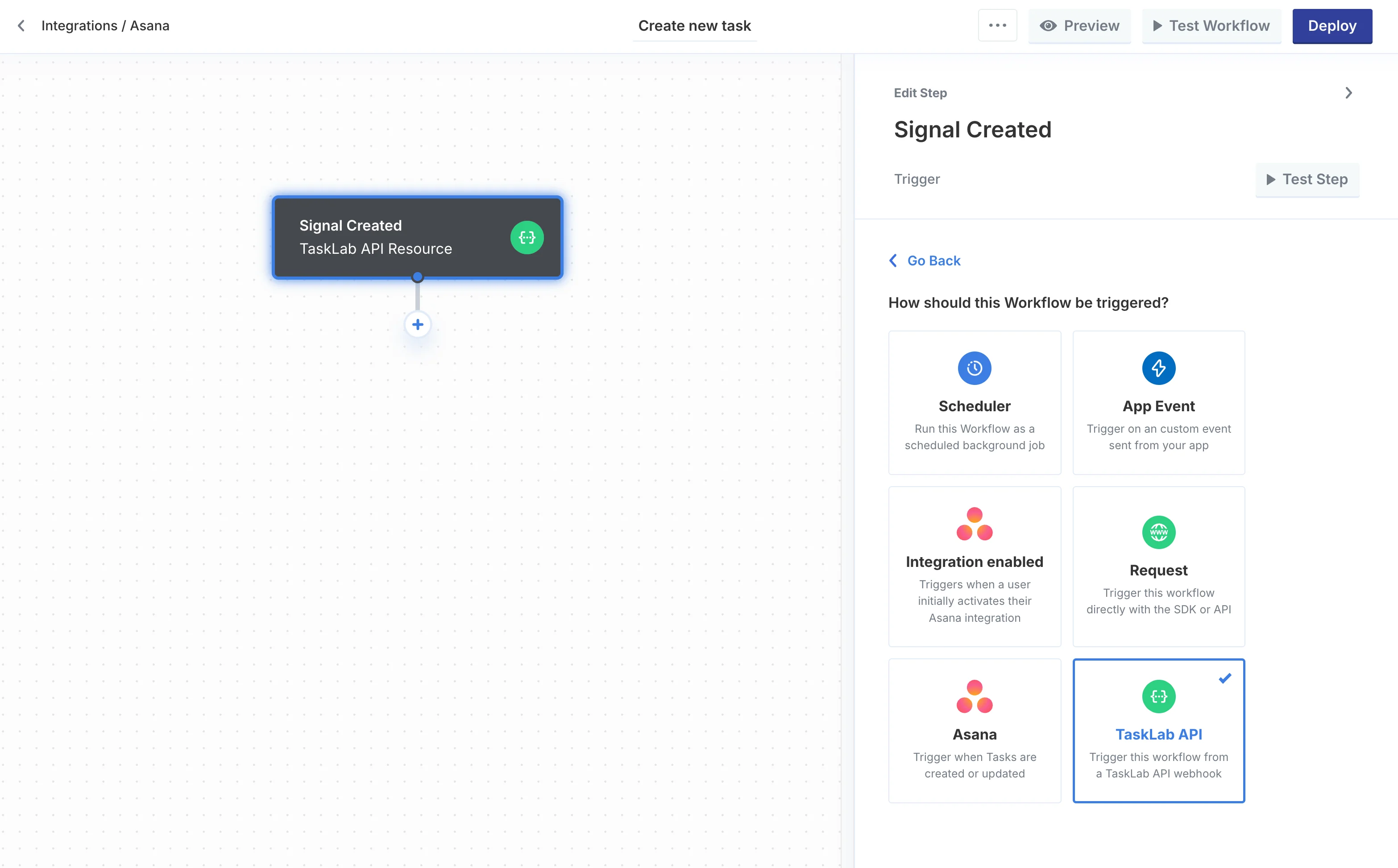
To use an API Resource Trigger in a workflow, click your Resource name in the trigger types and select the trigger that you defined.Note: Only fully-configured triggers that have completed the Custom Webhook setup will appear in this menu.
Webhook Subscriptions
For user-level API Resource triggers, the webhook will subscribe when a Connected User has successfully established a Resource Connection viaconnectAction in the SDK and has enabled at least one workflow which is triggered by an API Resource trigger.
The webhook subscription will only be created once per unique API Resource trigger type. However, one webhook event can trigger multiple workflows connected to the same trigger type.