Managed Sync
 ActionKit
 Workflows
In your application
- Use the Proxy API to make a request to the integration provider to get the schema for a given object in your application.
- Save the mapping to your Connected User using User Metadata.
In your Paragon workflow
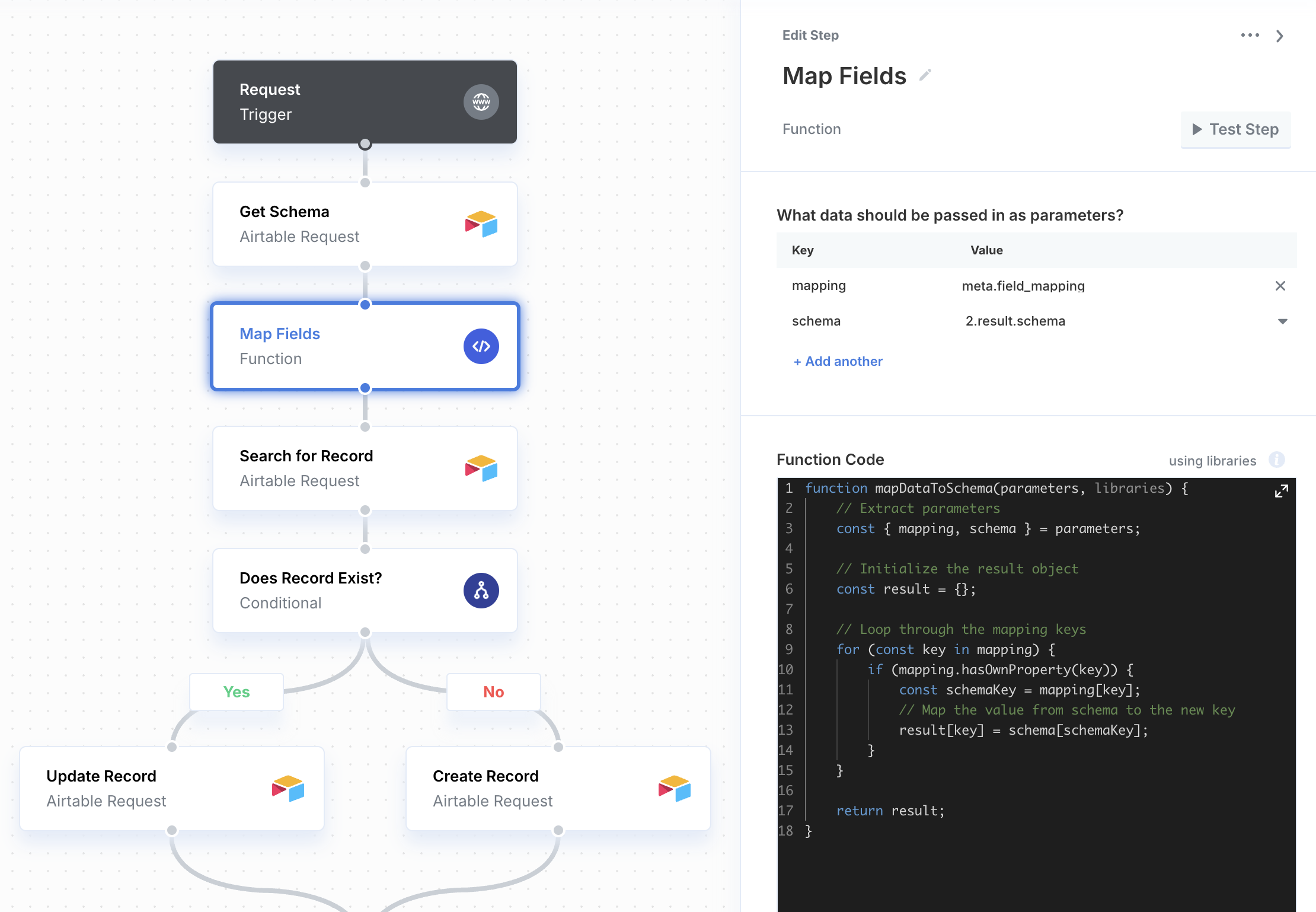
- Add an integration step to retrieve the schema for the given record type. This can also be done by querying the record type for a single existing record.
- Use a Function step to map the data from User Metadata to the data retrieved in the previous step.