Managed Sync
 ActionKit
 Workflows
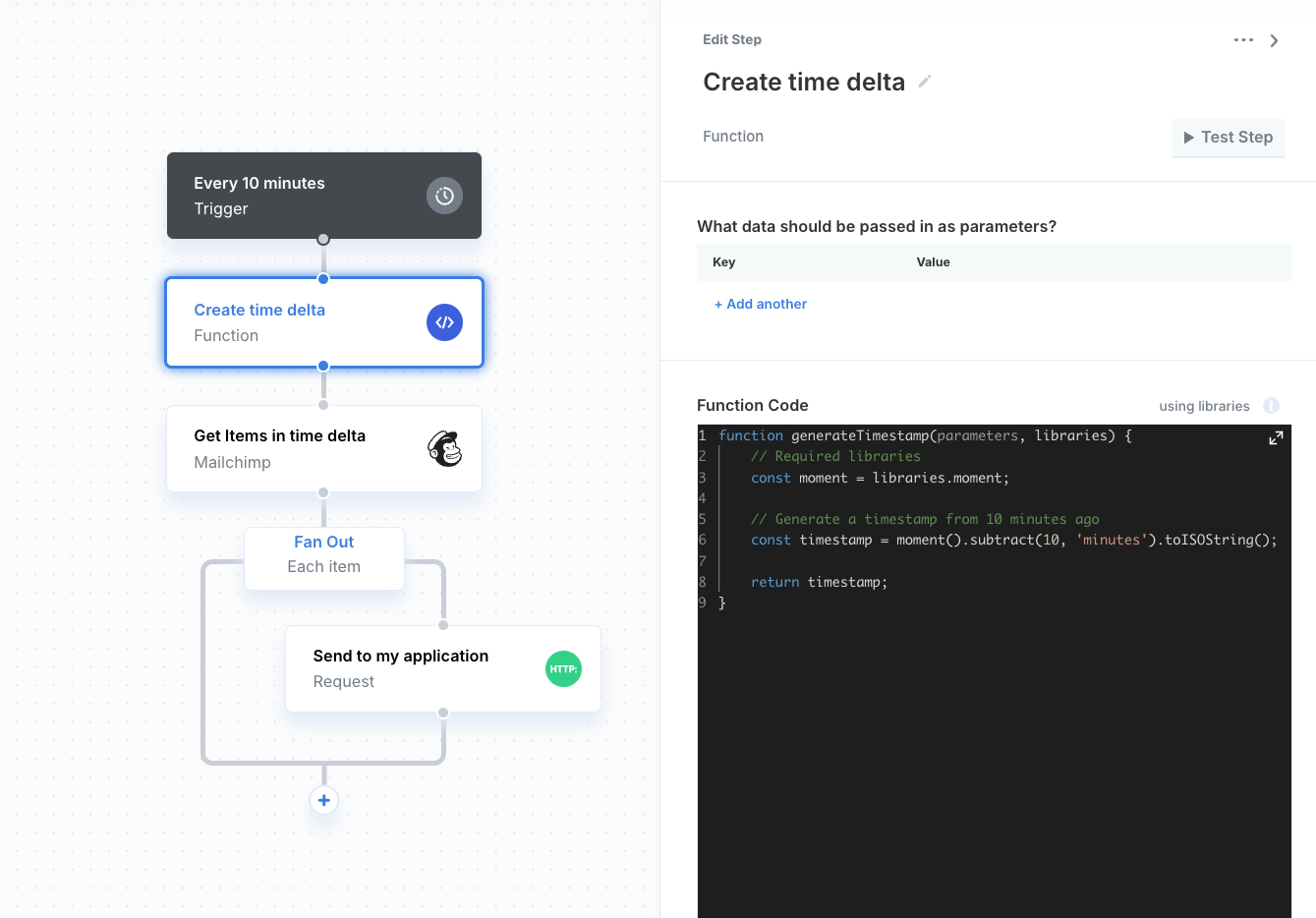
- Create a workflow with the Scheduler trigger
- Use a Function step to create a timestamp from the last sync time. For example, if the workflow is configured to run every ten minutes, create a timestamp from ten minutes ago.
- Use the timestamp to filter items from the integration provider.
- Use a Fan Out to iterate through every item in the array returned from the integration provider.
- Use a Requestor API Resource step to send data back to your application.