

 Managed Sync
 ActionKit
 Workflows
Connecting to Monday.com
Your users will need the following information to connect their Monday.com account with your integration built with Paragon Connect:- API Key
Getting your Monday.com API Key
- Go to your Monday.com account.
- Click the Account icon in the bottom-left corner
- Select Administration
- Select “Connections”
- Select “API” from the top sidebar.
- Copy the API Key under Personal API Token.
Building Monday.com workflows
Once your Monday.com account is connected, you can add steps to perform the following actions:- Create Item
- Update Item
- Get Item by ID
- Get Item by External ID
- Search Items
- Delete Item
- Archive Item
- Create Subitem
- Search Users
{{ to invoke the variable menu.
Using Webhook Triggers
Webhook triggers can be used to run workflows based on events in your users’ Monday.com account. For example, you might want to trigger a workflow whenever items are updated to sync your users’ Monday.com items to your application in real-time.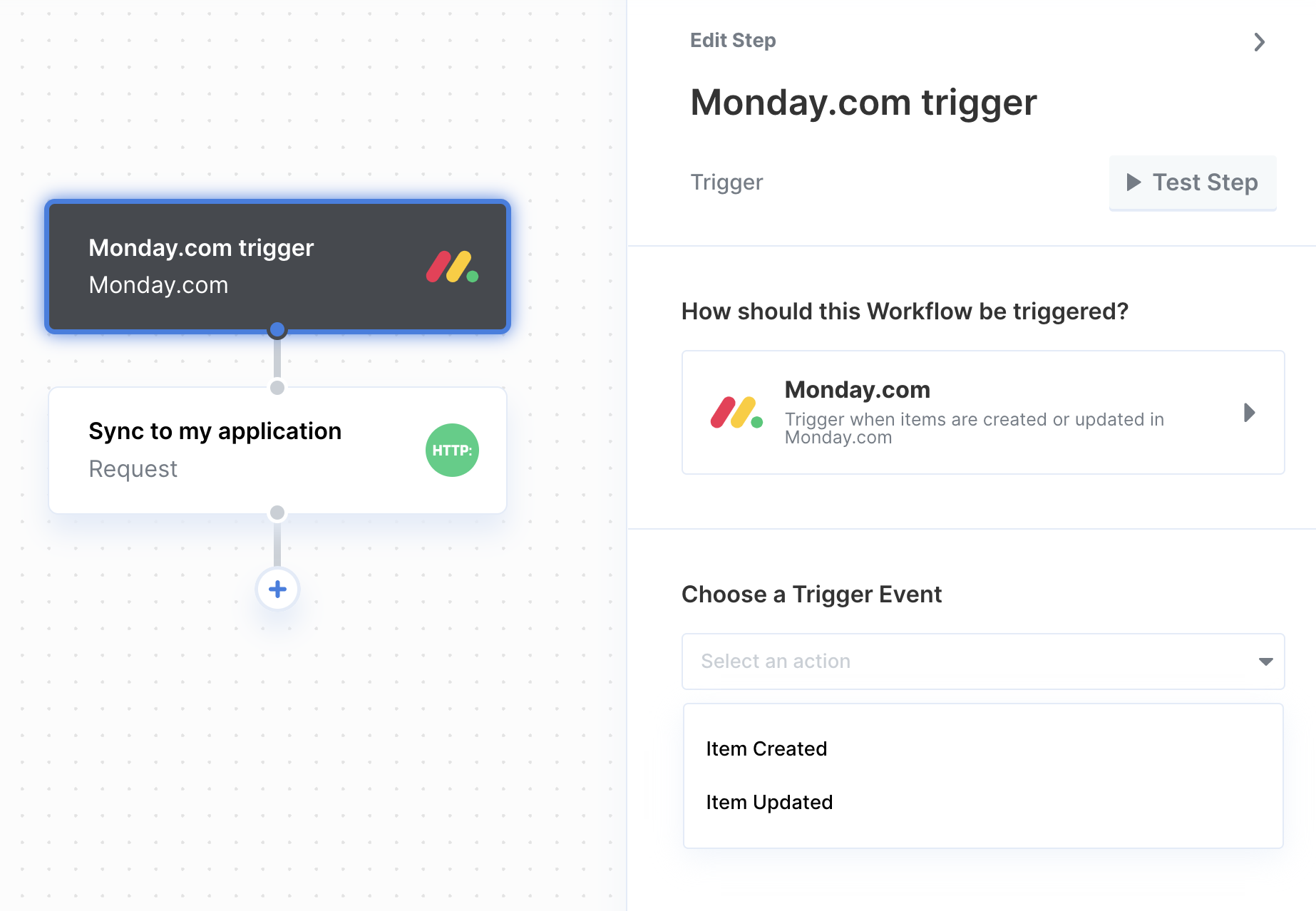
- Item Created
- Item Updated Trigger when Monday.com items have either a name change or a column value change.